
Safe View icon

Chrome extension

Safe View

Hide swear words and profanity on any website. Blur curses or replace them with your own text — filtering runs locally in Chrome, so page text never leaves your device. Built for families, classrooms, and anyone who wants a calmer web without uploading what they read.
Chrome Web Store — launching soon Privacy policy
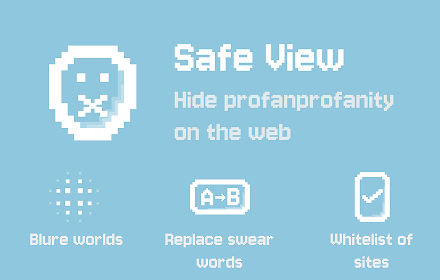
Safe View promotional artwork: swear word and profanity filter for Chrome

Swear word & profanity filter

Safe View finds exact matching words on the page and hides them. Choose blur on Free, or replace with custom text on Pro. Dictionaries cover 18 languages and stay on your device.

Hide swear words

Blur matching profanity on any site, or replace it with text you choose. Only complete words match — similar words and substrings stay as they are.

18 languages

Built-in dictionaries for 18 languages, all on by default. Pick specific languages if you want a tighter filter.

Private by design

Page text is never sent to a server. Word lists, whitelist, and settings stay in your browser.

What it does

A local profanity filter with a site whitelist — no browsing history upload.

  • Hide swear words and profanity with on-page blur
  • Replace matching words with custom text (Pro)
  • Filter in 18 languages, all enabled by default
  • Whitelist sites you don’t want filtered
  • Add custom blocked words (Pro)
  • Process page text locally in Chrome

Pricing

Start free with blur and a site whitelist. Unlock replace mode, custom words, and unlimited whitelist on Pro.

Free

$0

  • Blur swear words on any website
  • Up to 10 whitelist sites
  • 18 language dictionaries

Pro

Launching soon

  • Replace matching words with custom text
  • Custom blocked words
  • Unlimited whitelist sites

Sign in with a magic link (email — no password). Paid checkout via Paddle is temporarily unavailable; while billing is offline, signed-in users may get complimentary Pro access. See our Refund Policy and Terms.